

Choose the right record
Personal recent searches
The home page and document search sidebar show Recent searches. Selecting one executes the search again with current data and permissions. Repeated equivalent searches update an existing entry rather than creating a separate immutable event for each run. Under Personal settings → Search → Search History, choose Show searches from. The display window changes what you see; it does not change the organisation’s retention policy. Remove a single entry or use Clear all to clear your own history, including retained entries outside the display window. Picker searches and embedded Caseflow searches are not intended to populate this convenience list. To maintain a named query you use regularly, create a saved search.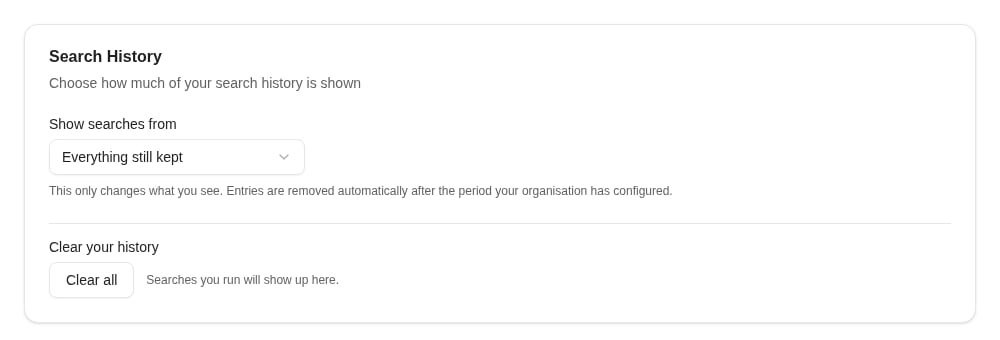
The history display window affects what you see; Clear all removes your personal history.
Review shared-search configuration changes
Use the audit view for a system search to inspect the actor, time, and change details. Recent configuration records include before/after values, allowing you to investigate changed document types, filters, folders, or group assignments. Create and delete operations naturally have only one side of the comparison. Older records may lack a before-state. An empty detail does not prove nothing changed; compare the current configuration with the intended design and test it with an affected account.Execution auditing is a separate policy
Where search execution auditing is provisioned, it records executions independently of a person’s recent-search list. Clearing personal history does not clear these audit records. Confirm the coverage and retention required by your organisation with the people responsible for the environment. Search execution auditing does not provide a dedicated Client audit browser or export screen. Request an audit investigation through your support process rather than looking for a Recent searches export that serves this purpose. AI assistant access has its own documented search-auditing behavior.Where to read next
Folder views
Configure keyword-driven folders and verify their scope with representative documents.