

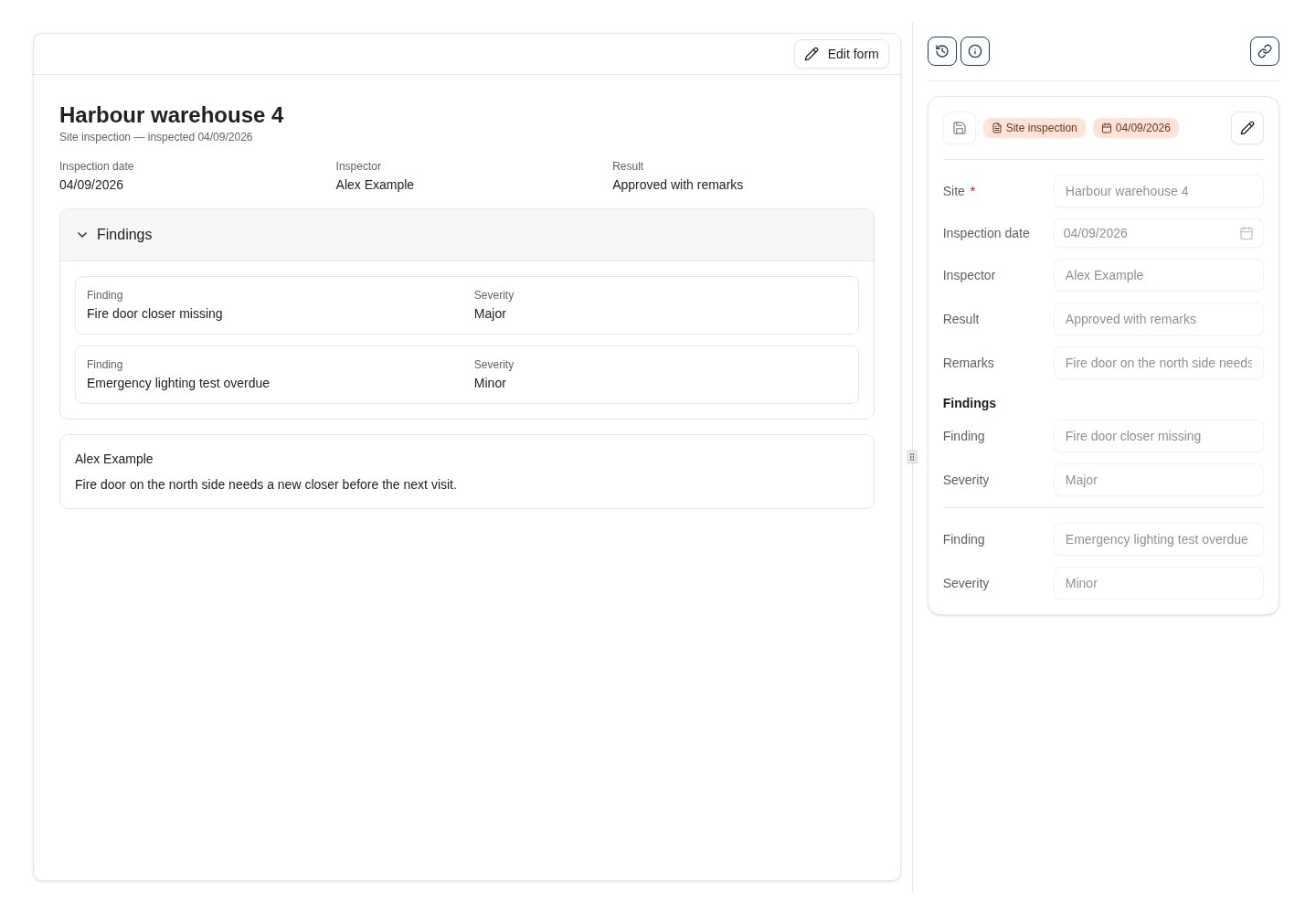
A form document in the viewer: the document type's preview template on the left, the keyword panel on the right. Edit form switches the left side to the update template.
When to use a form document
Use a form document when the thing you capture has no natural file:- Structured records people fill in on screen — inspections, registrations, requests, checklists.
- Records that arrive from other systems as data and need a home with the document type’s keywords, rights and history.
- Existing archives of keyword-only documents (for example, legacy electronic forms) that you want to keep reading and editing without their old form layout.
How it fits together
What users see
- Search lists form documents like any other document. Their row shows a form icon instead of a file-type icon, and the search preview renders the type’s preview template.
- The viewer shows the preview template in place of the file viewer, with the usual keyword panel, history, notes and actions on the side. Edit form switches to the update template for people who may modify keywords; the keyword panel stays as a read-only mirror while the form is being edited.
- New form in the sidebar opens the dedicated create page for the document types the user has a create template and creation rights for.
Where to read next
Form templates
Design the preview, create and update templates of a document type in the template designer.
Create a form document
The everyday task: open New form, pick a document type, fill in the form.
Administration
Permissions, which document types qualify, and how form documents behave across the product.